
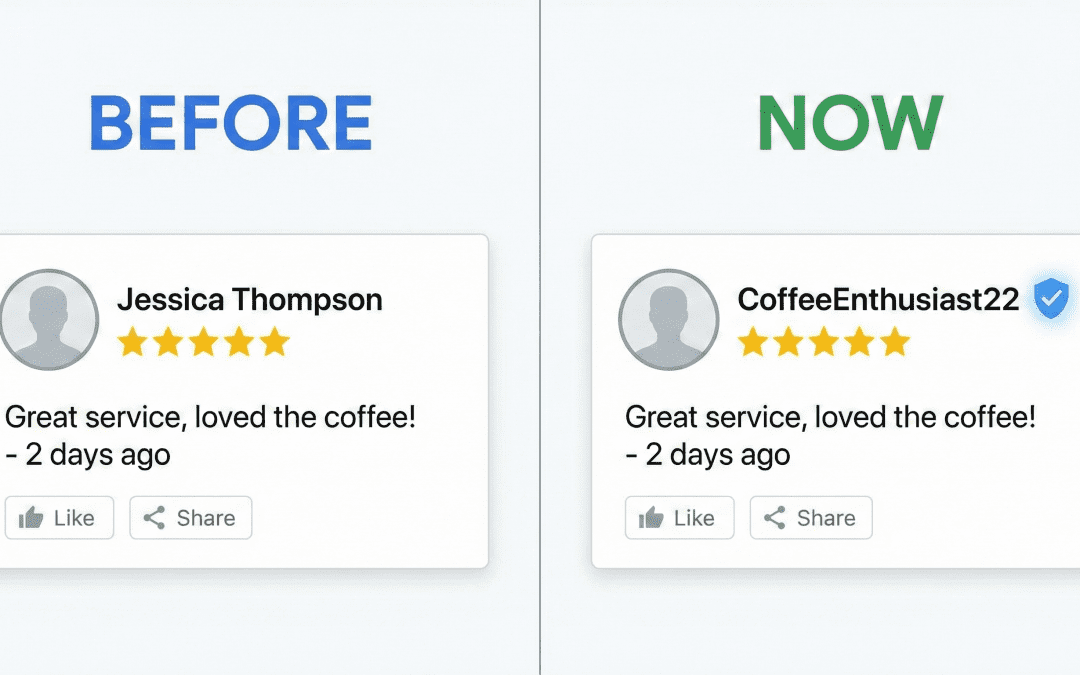
Most customers avoid leaving Google Reviews because they don’t want their full names online. Now, Google lets users hide their real names behind nicknames, making privacy a priority. This shift opens new review opportunities for your business—if you know how to use it. Keep reading to learn how this simple change can boost your customer feedback and improve your Business Profile optimization. Learn more about this update on Reddit.
The Privacy Revolution in Google Reviews
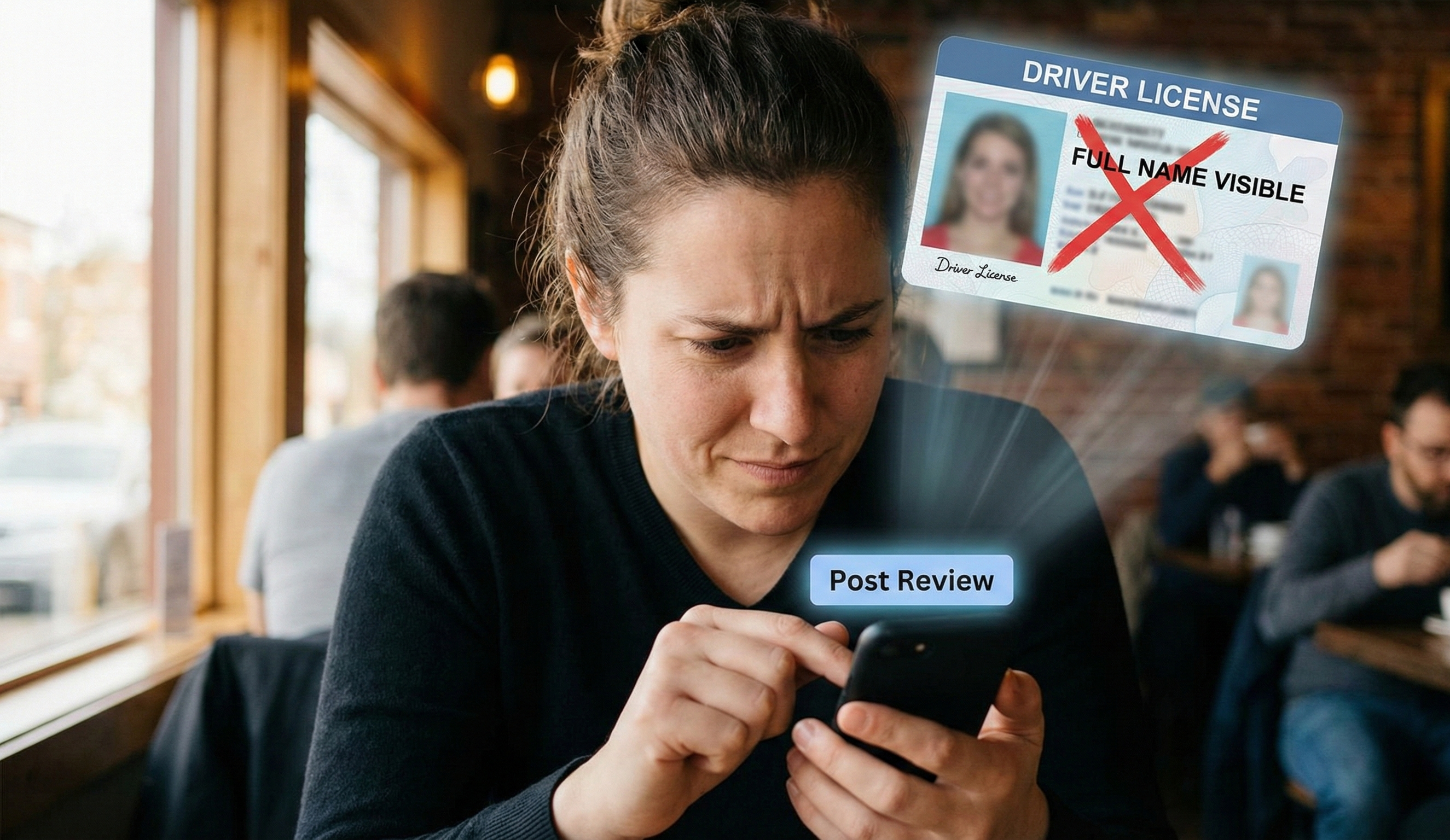
Why Customers Hesitate to Leave Reviews
Let’s be honest – many of your satisfied customers never leave Google Reviews for one simple reason: privacy concerns. They love your business but don’t want their full name attached to public feedback. This creates a huge gap between customer satisfaction and visible online reputation.
Google’s Game-Changing Update
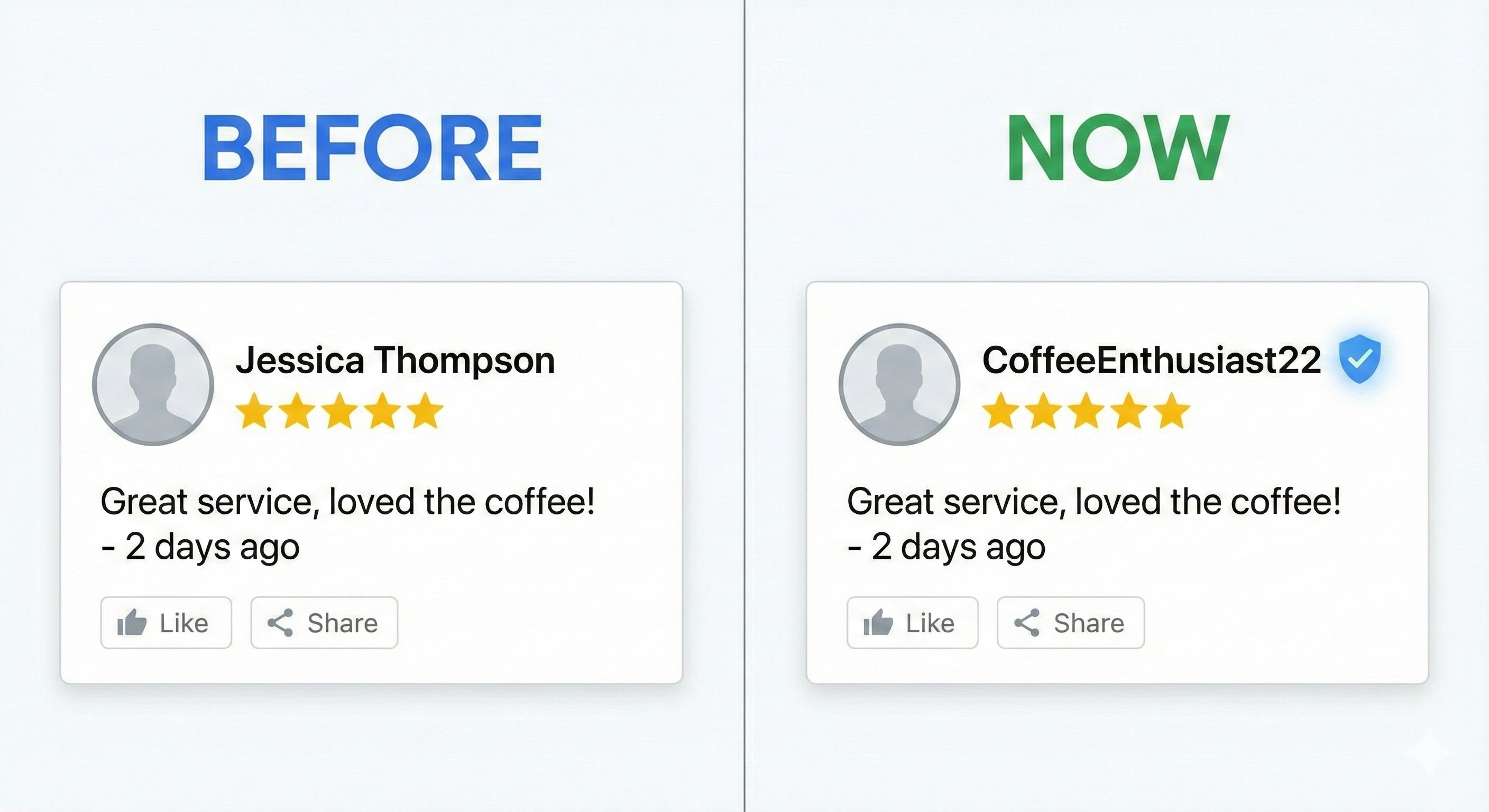
Google has quietly rolled out a feature that changes everything: nickname options for reviewers. Now, instead of displaying “Jessica Thompson,” reviews can show “Jess T.” or even fun usernames like “CoffeeEnthusiast22.” This small change removes a major barrier that kept customers from sharing their experiences.
Turning Privacy Into Business Opportunities
How to Leverage This Change
This update isn’t just good news for privacy-conscious customers – it’s a golden opportunity for your business. When asking for reviews, mention this new privacy option directly:
“Would you mind sharing your experience in a quick Google Review? You can now use a nickname instead of your full name if you prefer to keep your identity private!”
This simple addition to your review requests can dramatically increase your response rate.

Why Acting Fast Matters
The businesses that inform customers about this privacy option first will gain the biggest advantage. Your competitors might not know about this change yet, giving you a perfect chance to build up your review count while they’re still wondering why reviews are suddenly harder to get.
Practical Steps to Boost Your Review Count
Update Your Review Request Process
-
Edit your follow-up emails to mention the nickname option
-
Train staff to mention privacy options when asking for reviews
-
Add a note about nickname options on receipts or thank-you cards
-
Create a simple guide showing customers how to set up a nickname
Launch a “Privacy-First” Review Campaign
Consider sending a quick message to your customer database highlighting this new feature. Something as simple as:
“Google just made leaving reviews more private! You can now use a nickname instead of your full name when sharing your experience with us. We’d love to hear what you think of our service!”
The Business Impact of More Reviews
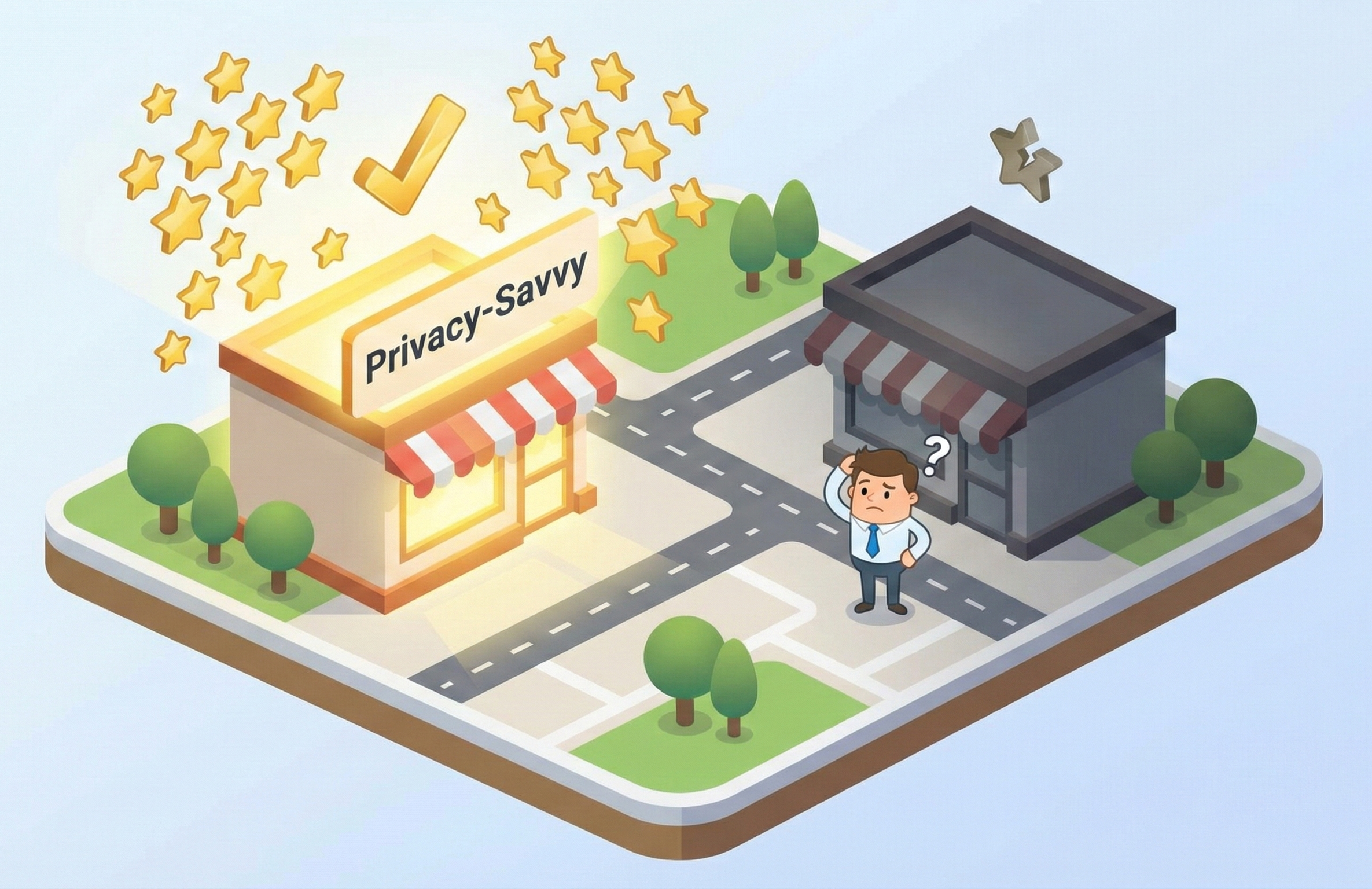
Improved Business Profile Optimization
Each new review strengthens your Google Business Profile. More reviews mean:
-
Better visibility in local searches
-
Increased customer trust signals
-
Fresh content that Google loves
-
More keywords naturally appearing in reviews
Enhanced Customer Feedback Loop
Reviews aren’t just for attracting new customers – they provide valuable insights about your business. As review volume increases, you’ll gain a clearer picture of what customers love and where improvements might be needed.
Making the Most of This Opportunity
Strike While Privacy Is Top of Mind
Privacy concerns are at an all-time high, making this update perfectly timed. By positioning your review requests as privacy-friendly, you align with customer values while building your online reputation.
Monitor and Respond to New Reviews
As more reviews come in, stay engaged by responding promptly. Thank customers for taking advantage of the new privacy options while addressing their feedback. This shows you care about both their experience and their privacy.
Final Thoughts
The new Google Review nickname feature transforms a privacy concern into a business advantage. By informing customers about their options and making privacy part of your review strategy, you can build a stronger online presence while respecting customer preferences.
Smart business owners will use this change as a conversation starter and review generator. Will you be one of them?
For more information about this update, check out these resources: