
Your Google Business Profile hasn’t changed since you set it up years ago, and it shows. While others scramble with new year’s resolutions, you can get a step ahead by updating your listing with fresh details and clearer service descriptions. These simple Google Business Profile updates can boost visibility online and set the tone for your 2025 marketing strategies. Let’s break down the key fixes that will make your profile work smarter for you.
Refresh Your Business Description

Your business description is the first impression most customers get. A stale, outdated description can turn away potential customers before they even contact you.
Revamp with Relevant Keywords
Your description needs the right keywords to catch Google’s attention. Start by making a list of 5-7 terms your customers use when searching for businesses like yours.
Look at what people type into Google to find you. Are they searching for “affordable plumber” or “emergency pipe repair”? These exact phrases should appear in your description.
Keep your writing simple and direct. A good trick is to read your description out loud – if you stumble over words or run out of breath, it’s too complex. Break up long sentences into shorter ones.
Most business owners make their descriptions too general. Being specific about what makes your business different will help you stand out from competitors. For example, instead of “we offer quality service,” try “we fix plumbing emergencies within 2 hours, guaranteed.”
Reflect Current Business Identity
Your business has changed since you first set up your profile. Your description should match who you are today.
Start by removing outdated information. Maybe you’ve dropped certain services or added new ones. Perhaps you’ve moved locations or expanded your service area. These changes matter to both customers and Google.
Ask a few loyal customers how they would describe your business to a friend. Their words often capture your true identity better than your own marketing language. Use their feedback to craft an authentic description.
Remember that Google limits your description to 750 characters, so focus on what truly sets you apart. Think about why customers choose you over competitors and highlight those points first.
Optimize Services and Attributes
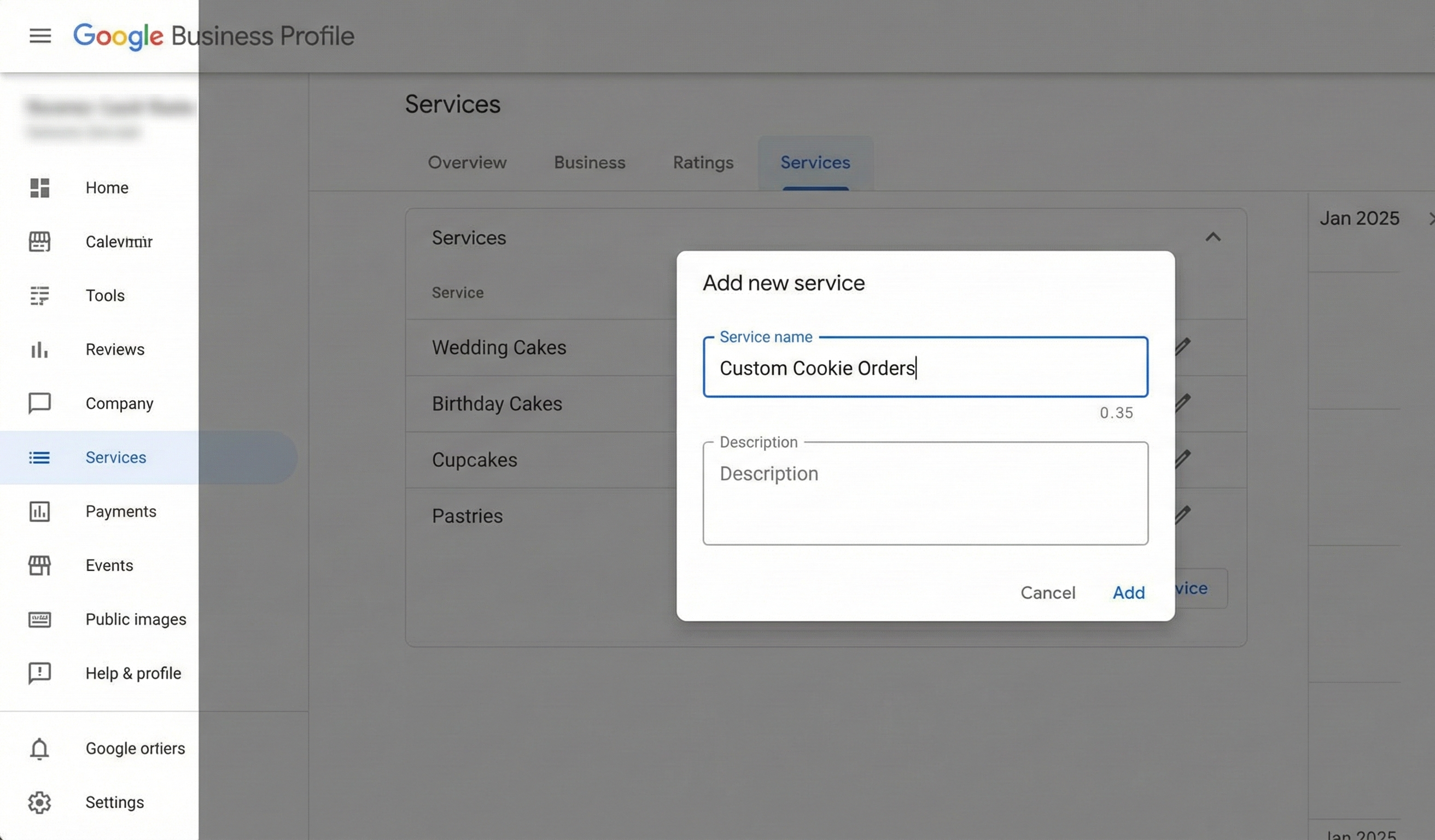
The services section of your profile directly affects what searches you appear in. Missing or vague services can cost you valuable visibility.
Enhance Service Descriptions
Your service descriptions need to be clear, complete, and customer-focused. Start by listing every service you offer – even the small ones you might take for granted.
For each service, write a brief description that answers these questions: What problem does this service solve? Who is it for? What makes your approach better? Keep each description under 300 characters so it’s easy to scan.
Most businesses make the mistake of using technical jargon in their service descriptions. Replace industry terms with words your customers actually use. Instead of “residential exterior coating application,” say “house painting.”
Don’t forget to include pricing information where possible. Even general ranges like “starting at $X” or “typically $X-$Y” help customers decide if you’re in their budget before they call.
Add seasonal services too, even when they’re not in season. People plan ahead, and Google needs time to index these services before the busy season arrives.
Update Business Attributes
Business attributes are the filters customers use to narrow their search results. Missing attributes means missing customers who filter for businesses like yours.
Start by checking all the basic attributes like hours, payment methods, and accessibility features. Make sure your hours reflect any changes for the new year, including special holiday schedules.
Next, look for industry-specific attributes that apply to your business. Restaurants should update outdoor seating options. Retailers should mark whether they offer in-store shopping or curbside pickup. Service businesses should indicate if they offer virtual consultations.
Many business owners overlook the importance of COVID-related attributes. Even as concerns fade, customers still search using these filters. Update your mask policies, cleaning protocols, and staff safety measures to match your current practices.
Boost Profile Engagement
A static profile sends signals to Google that your business might be inactive. Regular updates keep your listing fresh and engaging.
Update Social Media Links
Your social media accounts and your Google Business Profile should work together. First, check that all your social links are working and point to the right accounts.
Many businesses make the mistake of linking to dormant social accounts. If you haven’t posted on Twitter in two years, remove that link. It’s better to have fewer, active social links than many abandoned ones.
Create a simple plan to cross-promote between platforms. When you post a photo to Instagram, share it on your Google Business Profile too. When you get a great review on Google, share it on Facebook.
Remember that different platforms serve different purposes. Use Facebook for events and community engagement, Instagram for visual content, and your Google Business Profile for location-specific information and reviews.
Ask your most loyal customers to follow you on both Google and social media. This creates a network effect where activity on one platform boosts visibility on others.
Refresh Business Images
Old, low-quality images damage your credibility. New images signal an active, thriving business to both Google and potential customers.
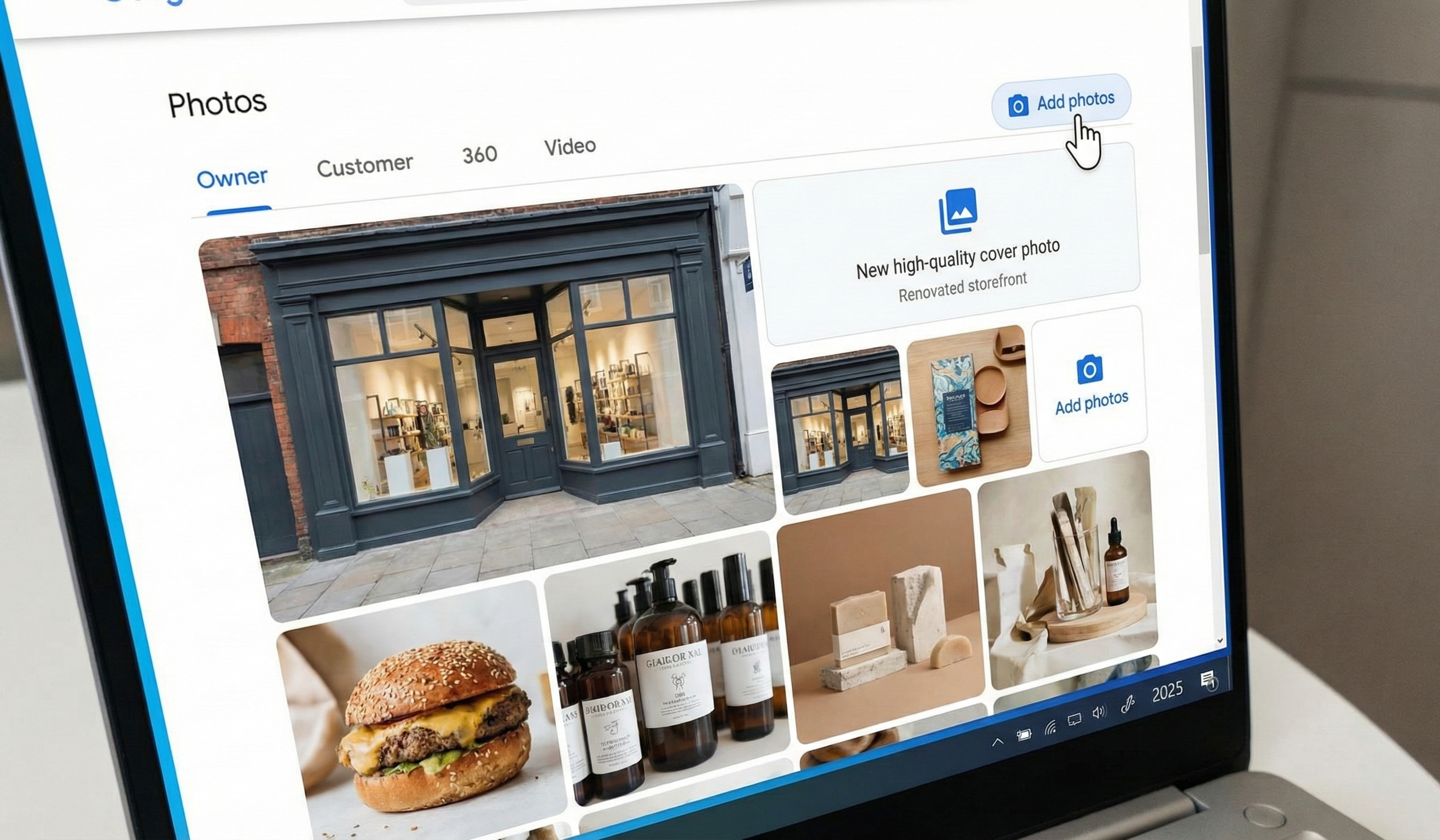
Start with your cover photo and logo – these create your first impression. Make sure they’re high-resolution, properly cropped, and represent your brand accurately. Replace seasonal images that are now outdated.
Next, add photos that show your business in action. People want to see your products, your team, your workspace, and happy customers (with permission). Take 10-15 new photos that tell your business story.
Many businesses forget to add captions to their images. Google uses these captions to understand what’s in the photo, so include relevant keywords naturally. For example, “Our team installing a new roof in downtown Portland” is better than just “Work photo.”
Create a simple schedule to add new photos monthly. Even smartphone photos work well if they’re in focus and well-lit. Fresh images keep your profile looking active and help you appear in more image searches.
Don’t stop with still images – Google now supports short videos on Business Profiles. A 30-second tour of your store or demonstration of your service can engage customers more effectively than any text description.
By making these straightforward updates to your Google Business Profile, you’ll improve your visibility online and start 2025 with a strong digital presence. The businesses that show up first in local searches aren’t always the biggest – they’re the ones that maintain complete, accurate, and active profiles.